
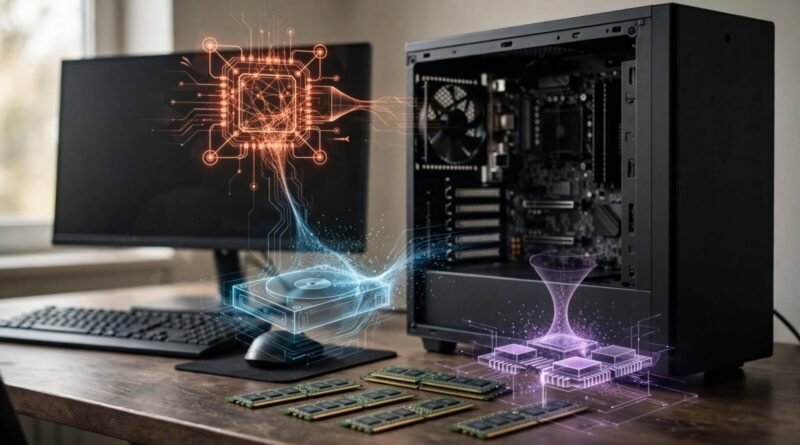
Does More RAM Always Make a Computer Faster?
RAM is one of the easiest computer specifications to compare, so it is often treated as a simple speed rating: 32 GB must be faster than 16 GB, and 64 GB must be faster again. That is not how memory works. More RAM can make a computer dramatically more responsive when the system does not have enough memory for its workload. Once there is sufficient capacity, however, adding unused RAM usually does not make ordinary tasks execute faster.
Table of Contents
What RAM actually does
Random access memory is fast working storage used by the operating system and active applications. Programs keep data in RAM because accessing it there is much quicker than repeatedly loading everything from long-term storage. When you open many browser tabs, edit large photos, run virtual machines or work with complex projects, memory demand can rise substantially.
If physical RAM fills up, modern operating systems can move some less-active data to storage. That process allows the computer to keep working, but even a fast SSD is not a substitute for RAM. Heavy swapping or paging can create delays, stutters and slow application switching. In that situation, adding memory can produce an obvious improvement.
Why more RAM stops helping
Imagine a workload that normally uses 10 GB of memory. A machine with 8 GB may struggle because it lacks capacity. Moving to 16 GB gives the workload room to operate and may feel dramatically faster. Moving from 16 GB to 32 GB, however, does not necessarily make the same calculations finish sooner if the extra memory sits unused.
At that point, another component may determine performance. The CPU controls much of general computation. The GPU matters for games, 3D work and many accelerated creative or AI workloads. Storage affects booting, application launches and file transfers. Cooling can affect sustained processor performance. Network speed limits cloud and internet tasks. RAM capacity cannot remove those bottlenecks.
Capacity is not the only memory specification
RAM also has speed, latency, channel configuration and platform compatibility. Two systems with the same capacity can perform differently depending on memory architecture and workload. Integrated graphics can be especially sensitive to memory bandwidth because the graphics processor may share system memory.
That does not mean consumers should simply buy the highest-frequency modules either. Processors and motherboards support particular memory standards and speeds, and real-world gains vary. Stable, compatible memory with enough capacity is more useful than an impressive specification that your platform cannot fully exploit.
When extra RAM is worth paying for
Memory-heavy work can justify substantial capacity. Video editing, large Photoshop projects, software development, virtual machines, scientific computing, large datasets, music production and professional 3D applications can consume far more RAM than basic browsing and office work. Some users also keep many demanding applications open simultaneously, making headroom valuable even when no single program is unusually large.
Extra capacity can also extend the useful life of a computer if future applications become more demanding. But future-proofing has limits. Paying a large premium for capacity you are unlikely to use before replacing the machine may deliver little practical return.
How to tell whether RAM is your bottleneck
Before upgrading, observe the system during the tasks that feel slow. Windows Task Manager, macOS Activity Monitor and Linux monitoring tools can show memory use and signs of pressure. Consistently high memory utilization combined with heavy swapping is much stronger evidence for a RAM upgrade than a low benchmark score in an unrelated component.
Also pay attention to what “slow” means. If exporting video takes too long while memory use remains comfortable, the CPU or GPU may be the limiting factor. If games have low frame rates, graphics performance may matter more. If applications take a long time to open on an older machine with a mechanical hard drive, an SSD upgrade can be more transformative than additional memory.
Laptops make the decision more important
Many modern laptops use soldered memory that cannot be upgraded later. In that case, buying enough RAM at purchase is important because the decision may be permanent. But the same principle still applies: choose capacity based on the workload and expected lifespan, not the assumption that every additional gigabyte directly increases speed.
For upgradeable desktops and laptops, memory can often be added later, subject to motherboard limits and module compatibility. Check the manufacturer’s specifications before buying.
Earnyx takeaway
More RAM makes a computer faster when insufficient RAM is causing a bottleneck. It does not act like a universal accelerator. Once the machine has enough memory for the applications you run, performance depends increasingly on the processor, graphics, storage, cooling and software itself.
The better buying question is not “How much RAM is fastest?” but “How much RAM does my workload need without regularly running into memory pressure?” That distinction can prevent both an underpowered configuration and an expensive upgrade that produces little visible benefit.
For more specification and consumer fact checks, browse Earnyx Everyday Myths.
Sources
Kingston — What is RAM?; Crucial — what computer memory does.