
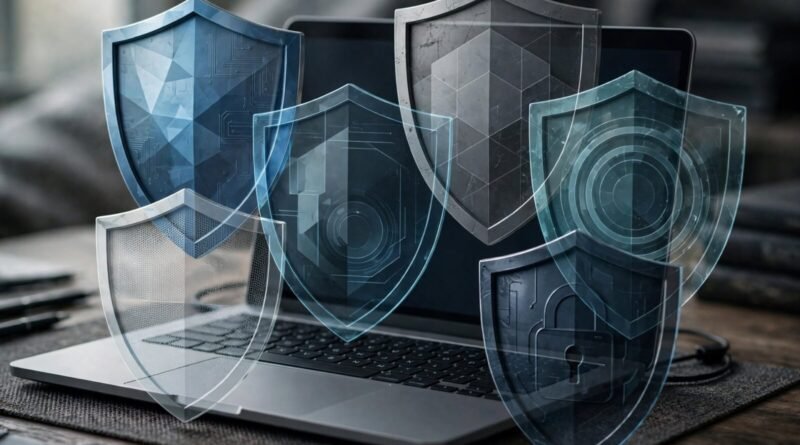
Does Installing More Antivirus Software Make You Safer?
If one antivirus program is good, installing two or three can sound even safer. Security does benefit from layers, but duplicate real-time antivirus products are not the same thing as complementary layers. Multiple security programs trying to inspect the same files, processes and network events can interfere with one another, reduce performance or create confusing alerts without delivering proportional protection.
Table of Contents
What real-time antivirus does
Modern endpoint security monitors files, downloads, processes and other activity for known or suspicious behavior. To do that, security software integrates deeply with the operating system. Two products attempting to intercept the same events can create compatibility problems.
Microsoft’s Windows security guidance is built around an integrated security stack, including Microsoft Defender Antivirus and other operating-system protections. When a compatible third-party antivirus product is installed, Windows can adjust Defender’s active role rather than encouraging several full real-time engines to compete.
Layered security does not mean duplicates
Useful security layers address different risks. Examples include timely software updates, multifactor authentication, strong unique passwords, phishing resistance, browser protections, backups, device encryption and limited account privileges. These controls complement malware detection rather than simply repeating it.
A second-opinion scanner used manually for troubleshooting is also different from running several always-on antivirus engines simultaneously. Follow the vendors’ compatibility guidance.
No antivirus catches everything
Security software can block many threats, but it cannot make unsafe behavior harmless. A user who gives credentials to a convincing phishing site may bypass the problem antivirus is designed to solve. Likewise, stolen session tokens, fraudulent support calls and account takeover can involve legitimate browser processes rather than a classic malicious executable.
This is why CISA and other security agencies emphasize practices such as multifactor authentication and software updates alongside malware protection.
Updates are essential
Antivirus software relies on current detection intelligence, software components and operating-system support. A neglected security product can become less effective. Keeping the operating system, browser and applications patched closes vulnerabilities that malware might otherwise exploit.
Installing more scanners while leaving the rest of the computer unpatched is poor risk prioritization.
Performance and false positives matter
Real-time scanning consumes system resources. Modern products are designed to minimize the impact, but duplicating the same work can add overhead. Conflicting detections can also make troubleshooting harder: one product may quarantine a component another product expects to access.
False positives have a cost because users may learn to ignore warnings. Security controls should be understandable and maintainable, not merely numerous.
What a sensible home setup looks like
Use one reputable, supported real-time security solution appropriate for your operating system. Keep automatic updates enabled. Turn on the built-in firewall unless you have a specific managed alternative. Use unique passwords stored in a reputable password manager, enable multifactor authentication on important accounts, and maintain backups that are not permanently exposed to the same device.
Be cautious with browser extensions and software downloads. Many infections begin with social engineering rather than a failure to install a fourth scanner.
Businesses have different needs
Organizations may deploy multiple security products that perform distinct functions—endpoint detection, email filtering, network monitoring, identity protection and centralized logging. That architecture should be deliberately engineered and tested. It is not evidence that an individual user should install several consumer antivirus suites on one laptop.
Managed environments also need policies for incident response, backups and account access. Product count is not a security metric.
Earnyx takeaway
More antivirus software does not automatically mean more protection. Several real-time products can overlap or conflict, while leaving important risks such as phishing, weak authentication and unpatched software untouched.
A stronger approach is one well-maintained endpoint security solution combined with complementary defenses: updates, MFA, unique passwords, backups and cautious browsing. Security improves when layers solve different problems, not when identical tools compete for the same job. See more technology fact checks in Earnyx Everyday Myths.
Sources
Microsoft Support — Virus & threat protection in Windows Security; CISA — Secure Our World.