
Unique Passwords for Every Account: Why Reuse Creates Hidden Risk
Table of Contents
01 Event
Password reuse feels efficient. Remember one strong password, use it across several services and avoid a growing collection of credentials. Unfortunately, the convenience creates a hidden connection between accounts that otherwise have nothing to do with one another. When credentials from one service are stolen, attackers can test the same email-and-password combination against other sites. A breach at a low-value account can therefore become an entry point to something much more important.
02 What Changed?
Large collections of compromised credentials circulate after data breaches and phishing campaigns. Attackers can automate login attempts across many services, a technique commonly called credential stuffing. This means a reused password does not have to be guessed independently at every site. Once the combination is known, automation can determine where else it works.
At the same time, password managers have reduced the practical need to remember every password. They can generate long, random credentials and associate each one with the correct website or app. Passkeys are also reducing password dependence on supported services, but users still need a strategy for the many accounts that continue to use passwords.
03 Why It Matters
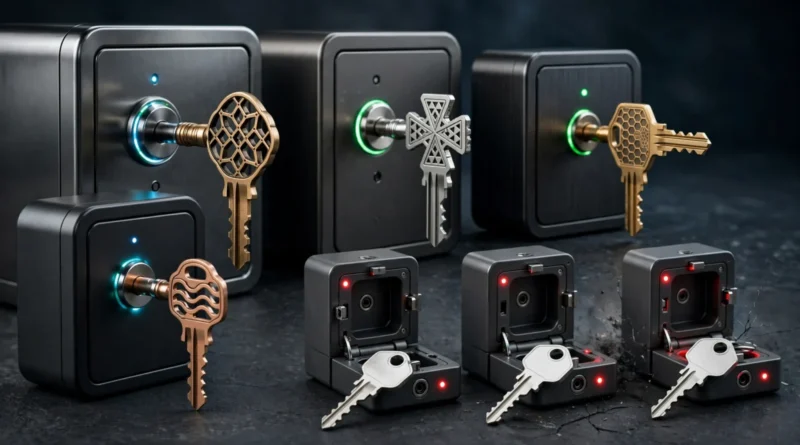
Think of password reuse as using the same physical key for your home, office, car and storage unit. The key may be difficult to copy, but once someone has it, every matching lock becomes vulnerable. Digital reuse creates the same concentration of risk.
The consequences differ by account. Losing access to a casual forum is inconvenient. A compromised primary email account can be much more serious because email is frequently used to reset passwords elsewhere. Banking, cloud storage, social media and shopping accounts may expose financial or personal information. Unique passwords contain the blast radius by ensuring one stolen credential does not automatically unlock another service.
04 What It Means for You
You do not need to replace every password in one exhausting session. Prioritize the accounts that can unlock or financially affect others: primary email, banking, payment services, password managers, cloud storage and major social accounts. Give each a unique credential and enable multifactor authentication where available.
Then work through reused passwords as you encounter them. A password manager can identify duplicates and generate replacements. Avoid predictable variations such as adding a site name or changing one digit; those patterns can be easy to infer after one credential is exposed.
05 Numbers + Context
Imagine one password is reused across 12 accounts. A single successful phishing attempt potentially gives an attacker 12 opportunities. Replace it with 12 unique passwords and the same compromise is largely confined to one service, assuming recovery channels are also secure. The number of accounts protected by isolation can therefore be much larger than the number of passwords you change.
NIST guidance has evolved away from arbitrary frequent password changes and toward stronger credentials, screening against compromised passwords and better authentication practices. CISA also recommends using password managers and multifactor authentication. The practical goal is not constant password churn; it is preventing predictable and reused credentials from linking your accounts together.
06 Earnyx Takeaway
A unique password does not guarantee an account will never be compromised. It does something equally important: it prevents one compromise from automatically spreading. That makes uniqueness one of the highest-value improvements you can make to basic account security. Let a password manager handle the memory problem so your accounts do not have to share the same key.


Pingback: Two-Factor Authentication: How 2FA Protects Your Accounts